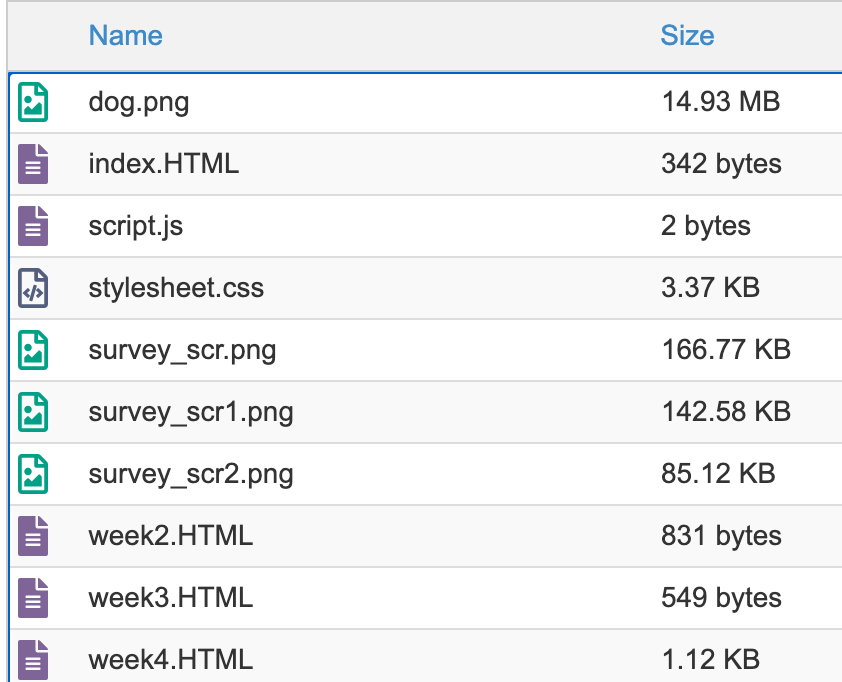
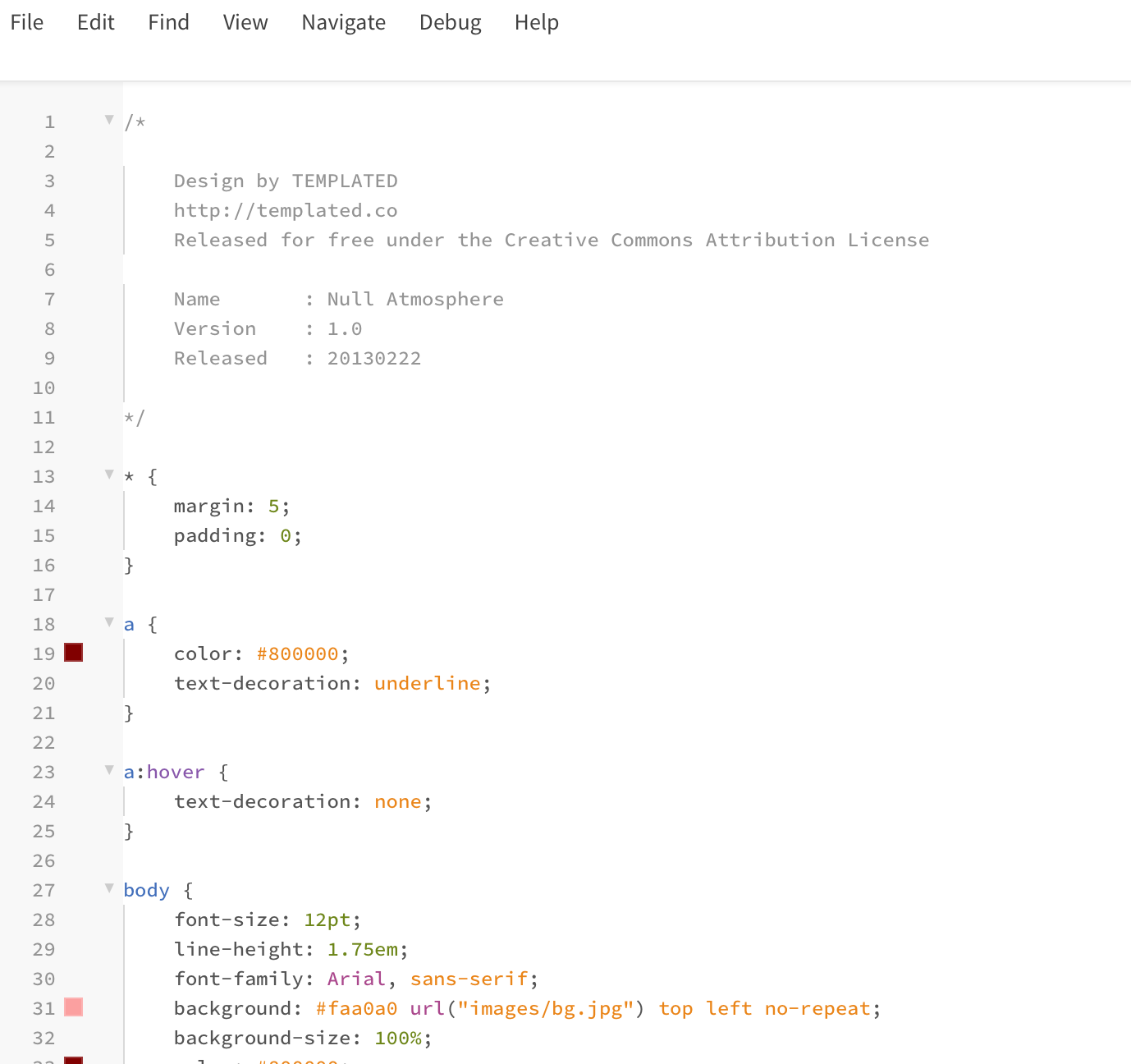
This week we began to set up out html files for our websites.We were able to log into our server space hosted by the university through cPanel. We created a sample webpage to practice uploading to the server before beginning to edit our website and build different pages. Then, we learnt how to use an FTP client, such as Filezilla, to upload to the server also. I downloaded a basic CSS file and applied this to my site and altered the colours etc to suit what I wanted. I then worked on my main homepage and a page for the week 2 workshop as well as creating a link to connect the two together.
I had previous experience using web building sites like WordPress but had never created a webpage from scratch. I had done a HTML basics course before, so I was able to refresh my memory on the very basics. I find the concept of building the basics of the website very engaging so was excited to make one. I had never used Phoenix Code before, but I found I was able to quickly get the hang of the software and was able to apply the basic skills I knew. I found that by working on my website (and through some trial and error) I learnt a lot of HTML from doing. I also found that once I understood the rules, I enjoyed making it how I wanted it to look.
I understood that I could have downloaded and used a more complex or professional looking CSS for my site but, as I was learning as I went, I found a simpler one enabled me to understand how the stylesheet worked as I could easily scroll through it and learn what element of it was applied to each part of the page. It is fascinating to realise everything we see and interact with on webpages is fundamentally the same coding and CSS as this very simple website.